LEARNING, ENGINEERED.SEOUL, KOREA
We understand content.We bring learningto life.
From original learning content
to data, interaction, and services—
we connect every stage of production.
THREE STRENGTHS. ONE EXPERIENCE.
Where technology meets content.
Learning comes to life.
We understand learning and design what comes next. 02 / CREATE Contents Content that gives learning substanceFrom planning and writing to illustration and film.
We turn educational goals into finished content. 03 / CONNECT Experience Learning experiences that connectInsights shaped by building and operating our own services.
Designed for the people who learn and create.
Three strengths, working as one,
to bring the next possibility to life.
01 / TECHNOLOGY
We build learning systems
that put content to work.
From understanding the source material
to designing the learner’s next experience.
Five technologies, connected in one flow.
PDF digitization
One page.
Data you can use again.
We extract text and images from PDFs
and organize them into an editable, reusable database.
We go beyond reading characters. By capturing the position and relationships of text and images, together with the structure of each question, we preserve the meaning of the original in a digital environment.
- TEXT
- Turn characters, sentences, and symbols into editable information
- IMAGE
- Separate images and connect them to related content
- STRUCTURE
- Manage layout and question structure in a database
A little bird.
A little bird
sits in a tree.
as a whole.
Text, images,
and layout in the original
are our starting point.
A little bird.
A little bird
sits in a tree.
as editable data.
- text
- A little bird…
- image
- bird_01
- layout
- position / size
- relation
- text ↔ image
Listen and learn
Connect words and sentences
with audio
Make connections
Explore the relationship
between words and images
Build a sentence
Combine the elements
to create meaning
The same data becomes different activities, shaped around the learning goal.
Textbook digitization · Illustrative example
Ready to edit, connect, and use again.
Activity
One source of data.
Many ways to learn.
We turn extracted text and images
into activities for seeing, listening,
choosing, and expressing ideas.
Build on the content you already have,
and connect it to new learning goals.
Separating content data from the activity interface lets us use the same material in different ways. We design each activity and its feedback around the learning objective and the learner’s response.
- Look
- Listen
- Choose
- Connect
- Input
- Speak
A little bird
sits in a tree.
An activity that connects a sentence with its sound.
The same meaning,
in different forms.
An activity that connects words, images, and meaning.
Bring what you have learned
into a complete sentence.
An activity for understanding and building sentence structure.
Learning activities · Interaction design example
- Exposure
- Recognition
- Discrimination
- Production
- Transfer
Start with the learning goal,
then shape the activity.
I can see a red bird.
I can see a bird.
Show the missing word and help the learner try again.
Speech feedback · Illustrative example
Speech and handwriting recognition engines
Turn speaking and writing
into moments of learning.
Recognition engines help us understand
each learner’s expression and shape useful feedback.
For English speaking, we compare the learner’s speech with the target sentence. For handwriting, we examine the written form against the learning criteria. We connect the results to activities that encourage learners to listen, speak, and write again.
Speech recognition that listens and interprets
Connect English sentences with the learner’s speech and provide relevant feedback.
Handwriting recognition that examines the input
Read characters and written forms, with a review process based on the learning criteria.
Recognition and assessment, designed as distinct roles
Preserve the original input, apply the assessment criteria, and guide the next learning action.
Data processing is configured to fit the client’s operational requirements.
Handwriting recognition engine
Understand the intended character.
Identify the difference in each stroke.
山 · Mountain.
Even one character involves several stages of learning.
We distinguish recognition—understanding the intended character—from assessment—examining the strokes actually written. By preserving the original input and showing missing strokes or differences in form, we help learners try again with a clear purpose.
- RECOGNITION
- Understand the intended characterRecognize the character the learner intended to write.
- ASSESSMENT
- Examine the strokes as writtenDo not silently turn a missing stroke into a correct answer.
- FEEDBACK
- Guide the next practiceShow exactly which part needs more attention.
Center → Left and bottom → Right
- 01 / INPUTHandwriting inputPreserve the writing path
- 02 / RECOGNIZEInterpret the intentIntended character: 山
- 03 / FEEDBACKIdentify differencesCheck all three strokes together
An illustration of handwriting and stroke feedback. This is not a live recognition engine demonstration.
Learning analytics
Use learning records
to guide what comes next.
We turn learner activities into data
and connect the analysis
to personalized content suggestions.
The learning journey, at a glance.
A 14-day record
- Time in completed sessions
- 14 min
Time spent on sessions completed in full
- Study days
- 4 of 14 days
Days with at least one completed activity
- Completed sessions
- 21 sessions
Includes repeat completions of the same activity
- Accuracy across all attempts
- 93 percent: 65 correct out of 70 attempts
65 / 70 · All completed attempts
Daily learning time
Completed learning Unit: minutes
These figures reflect the records of the account shown.
Learning volume and habits
Track learning time, completed sessions,
and patterns across study days.
Progress and content
Review progress through each book
and the status of its activities.
Word and sentence assessment
Connect attempts and correct answers
with the learner’s progress in each area.
Direction for the next lesson
Use the analysis to decide
which content to suggest next.
Record the activity
See what the learner studied
and how they responded.
Understand the learner’s progress
Connect records across activities and skills
to understand each learner’s context.
Suggest relevant content
Turn analysis into
the next activity a learner can begin.
We design both the screens that collect learning records and the screens that put those records to use.
3D technology
Spaces worth exploring.
Avatars that feel like you.
YEARS OF UNITY 3D
Over 10 years of technical experience
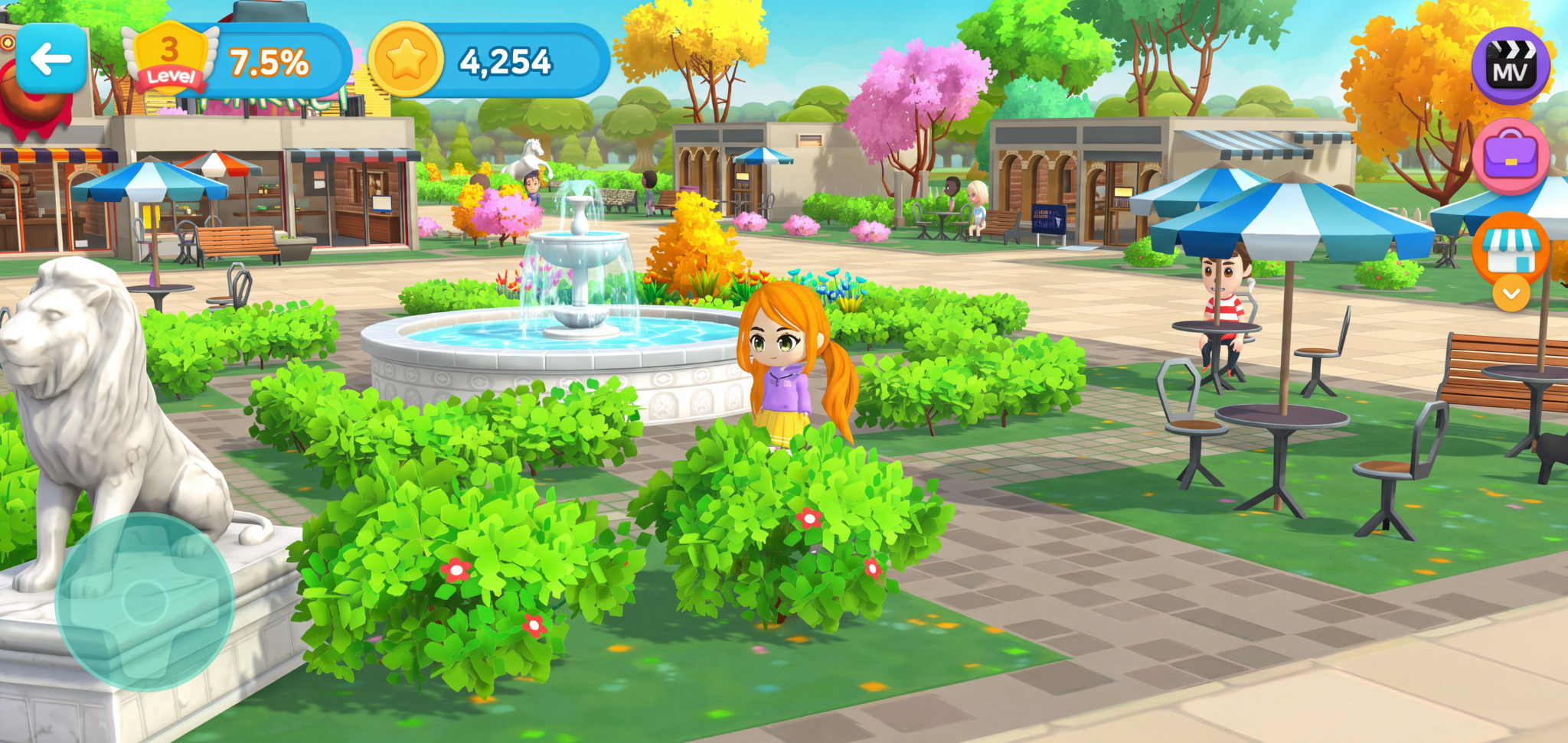
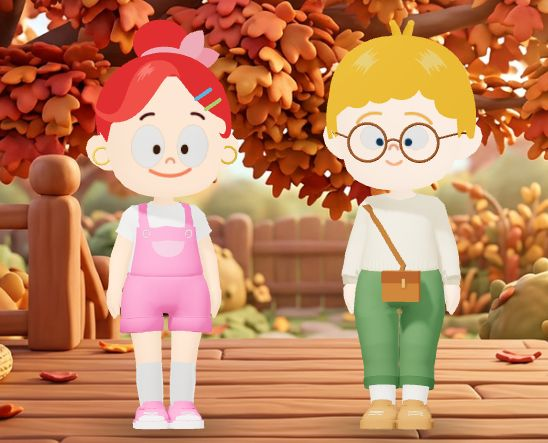
Unity 3D expertise,
built into real experiences.
With over 10 years of Unity 3D experience, we build metaverse spaces and avatar systems. We connect the way a space looks, how users move through it, and how they enter learning content.
- SPACEMetaverse space design
Spaces for discovering content and moving into learning.
- IDENTITYAvatar system development
Character experiences that let users express themselves and take part.
- INTERACTIONConnecting space and learning
Turn movement, choice, and response into a learning experience.
PLANNING · WRITING · CREATION · PRODUCTION
From concept to creation,
we tell stories that teach.
We plan and create original English learning materials and readers.
Connecting stories, illustration, video, and activities,
we create content learners want to stay with.
original books and learning titles
From a single story to a complete series.
We bring the experience of creating
a wide range of English materials and readers to every project.

that stay with you.01 / MUSIC & STORY
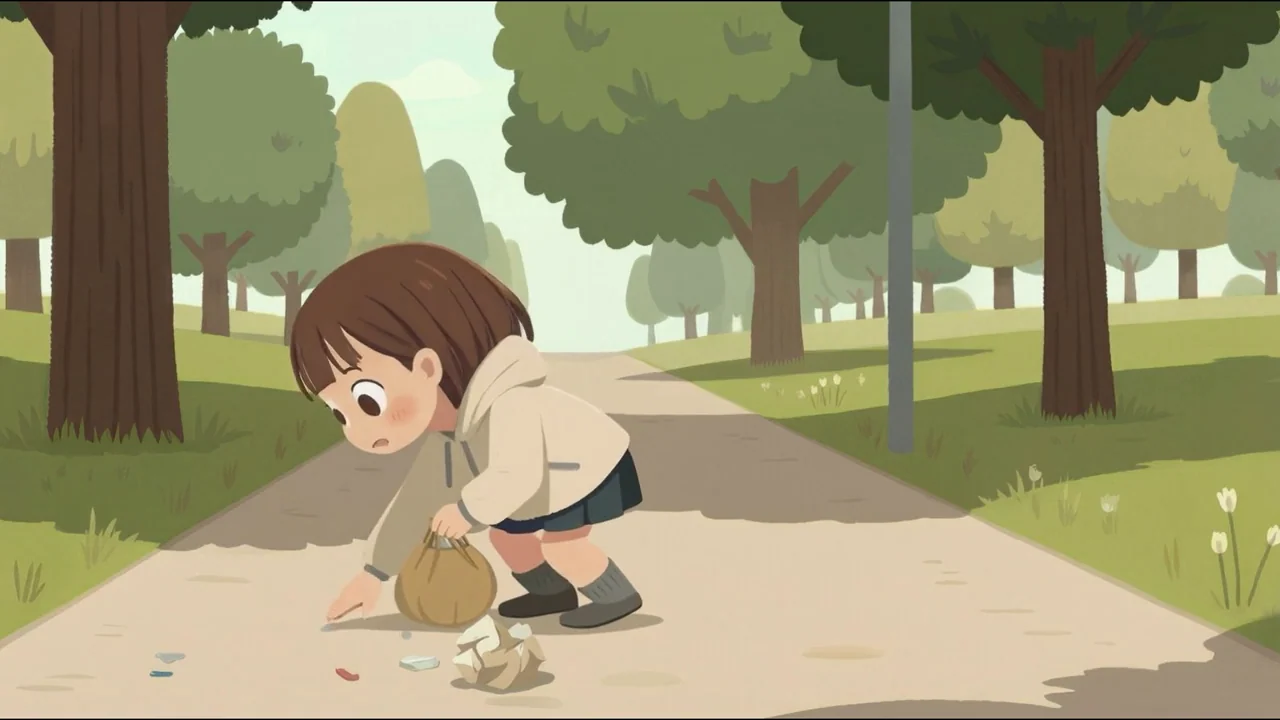
that become learning.02 / EVERYDAY STORIES
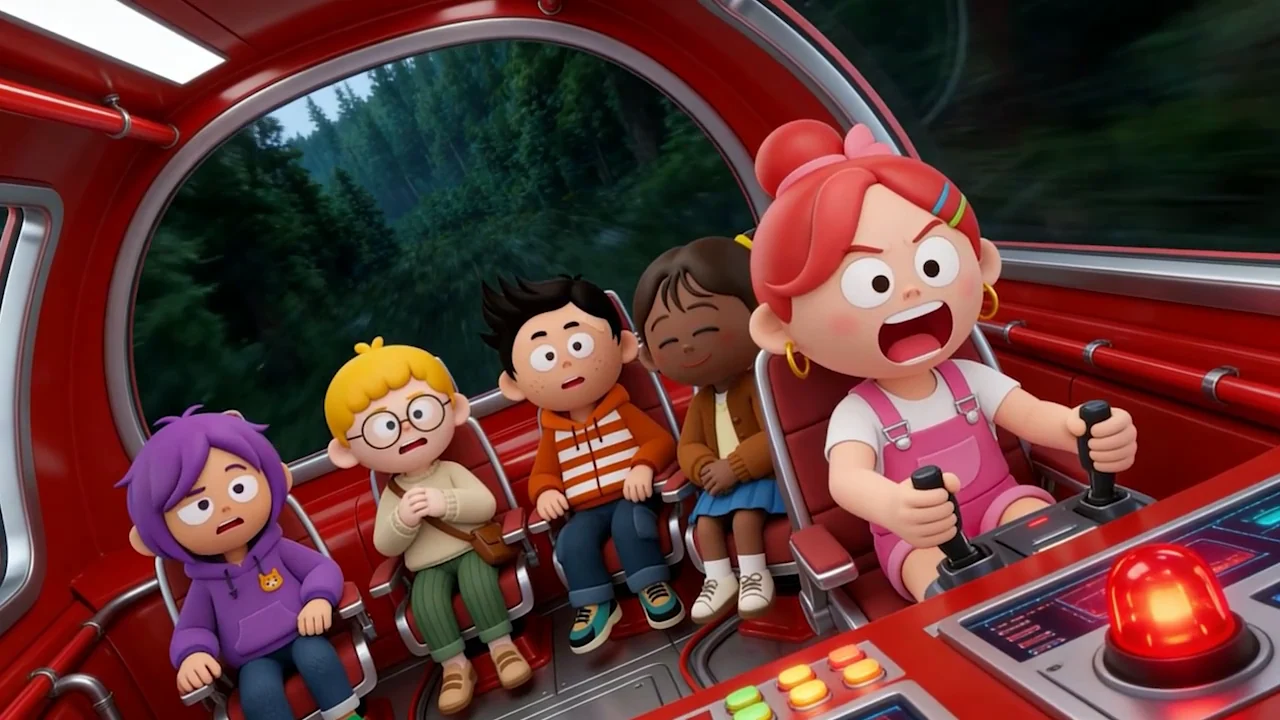
you want to discover.03 / IMAGINATION
We shape learning goals
into stories.
We begin with the target learners and their goals, then plan the series and the reading experience. Content and learning activities are considered together.
Words and scenes,
one original work.
We align the writing, dialogue, characters, and illustration. Text and images are created together as one coherent story experience.
One original work.
More ways to experience it.
We extend books into video, audio, and learning activities. The meaning of the original stays intact while the presentation and interaction are designed for each medium.
Animation project for Client N
The spirit of the artwork.
Brought vividly to life.
We preserve the artist’s intent and visual style
as original illustrations become moving stories.

Drag all the way right to play the video.
Still-image comparison · Drag fully right to play the video
The video could not load. Choose “Try again” or “Open original video.”
Sing Me a Color! · An actual MetaOn portfolio video. This is our own content, separate from the collaboration project described above.
Every scene stays
true to the original.
The character and narrative of the source
set the boundaries for production.
Preparation that understands the artwork
We separate PSD layers and adjust print colors for screen use, identifying what should move and what must remain unchanged.
Consistency, checked cut by cut
Production rules, automated pre-checks, and client review work together. We review the beginning, action, and ending of each shot.
A master ready for multiple languages
Language-specific narration is added to a narration-free master, allowing the same visual assets to be reused across versions.
From understanding the artwork and story to every next step in production.
Our own production and review platform
See where the work stands.
Together, at every stage.
Work in progress, review comments, and the next version.
A shared view of every scene keeps production aligned.
We make the stages between briefing and delivery visible. Review each shot’s beginning, action, and ending, annotate directly on the image, and leave comments in context.
An eight-stage process with documented criteria for moving forward
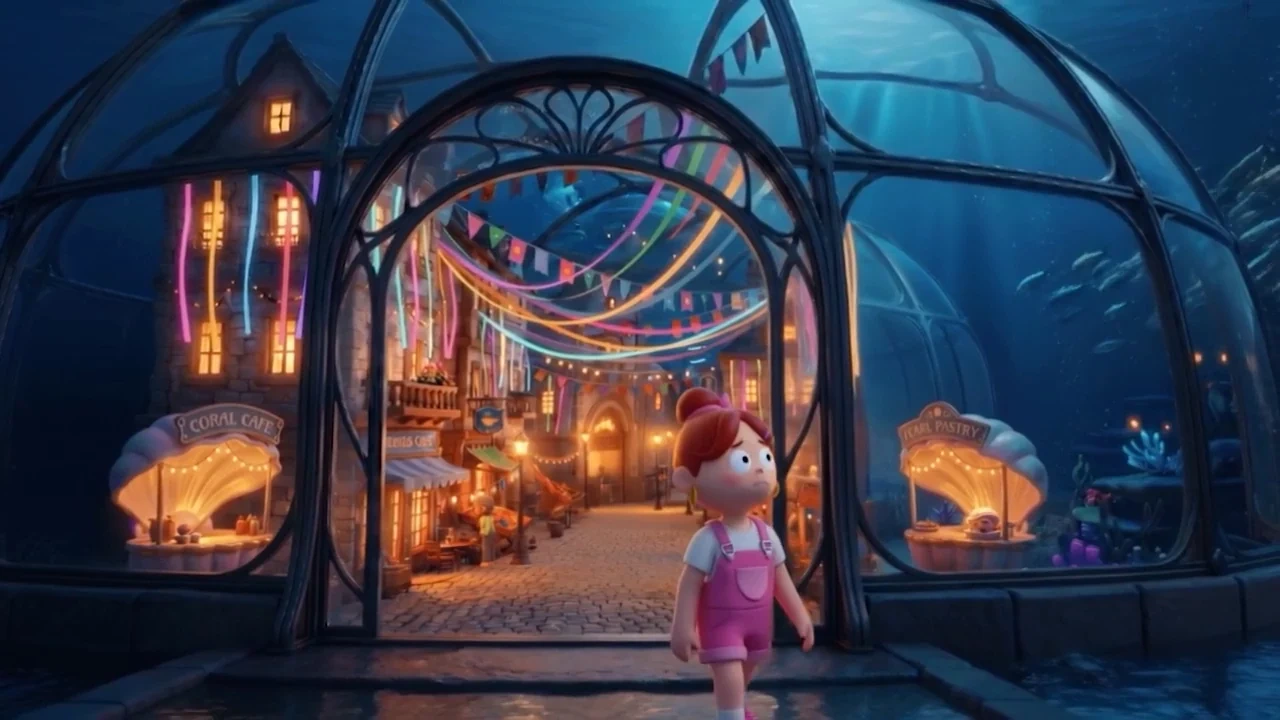 Start frame
Illustrative review interface · MetaOn imagery
Review one shot at a time.
Compare the beginning, action, and ending to check each scene’s intent and flow.
Keep the context of each revision.
Connect comments to image annotations so everyone knows what to change and where.
Follow the work across versions.
Manage review materials and their history with version tracking and client-specific links.
Our own services and educational IP
The screens and experiences
learners return to every day.
We create content, build it into services, and operate those services ourselves.
Experience from real learning environments
informs the next content and system we design.
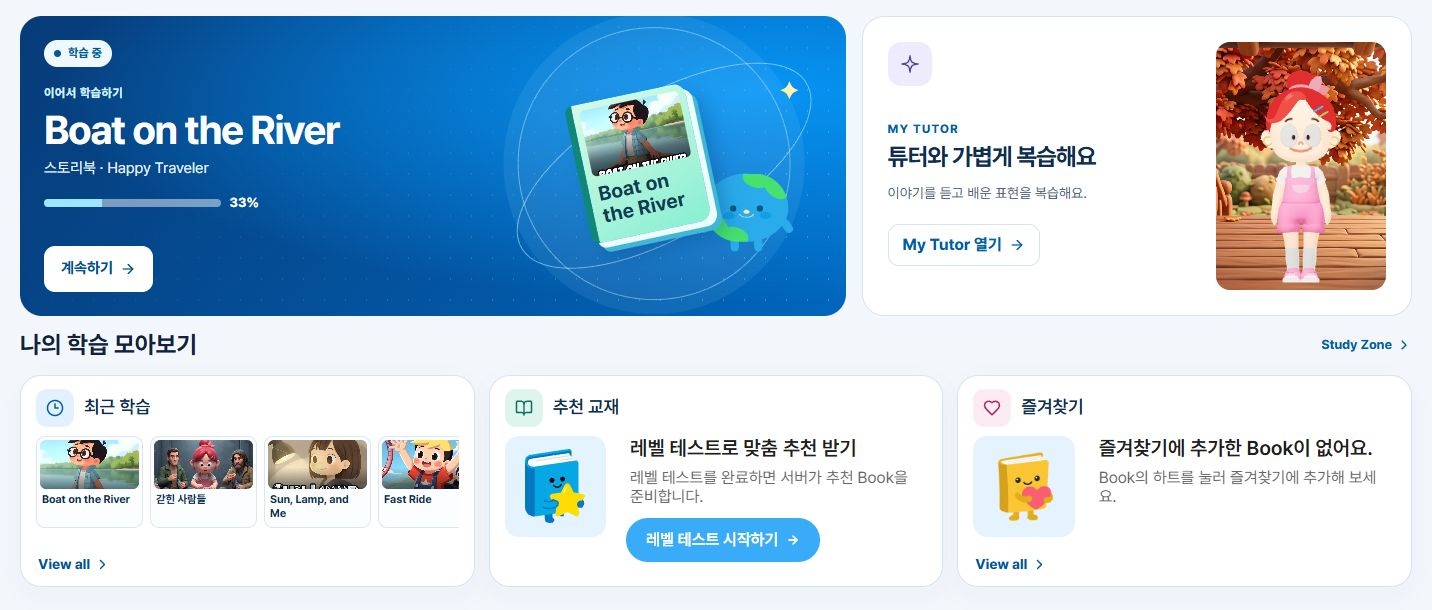
Start where learning begins.
We design the journey from discovering content to beginning an activity, considering the whole service experience as well as individual features.
Connect the content and the service.
Our original English materials and readers become digital learning experiences, bringing stories, images, video, and activities together.
Designed for life after launch.
Operating MetaOn gives us direct experience of how learning services work. We bring that operational perspective to adding content and sustaining the learning journey.
EXPERIENCED.
Unimation Korea
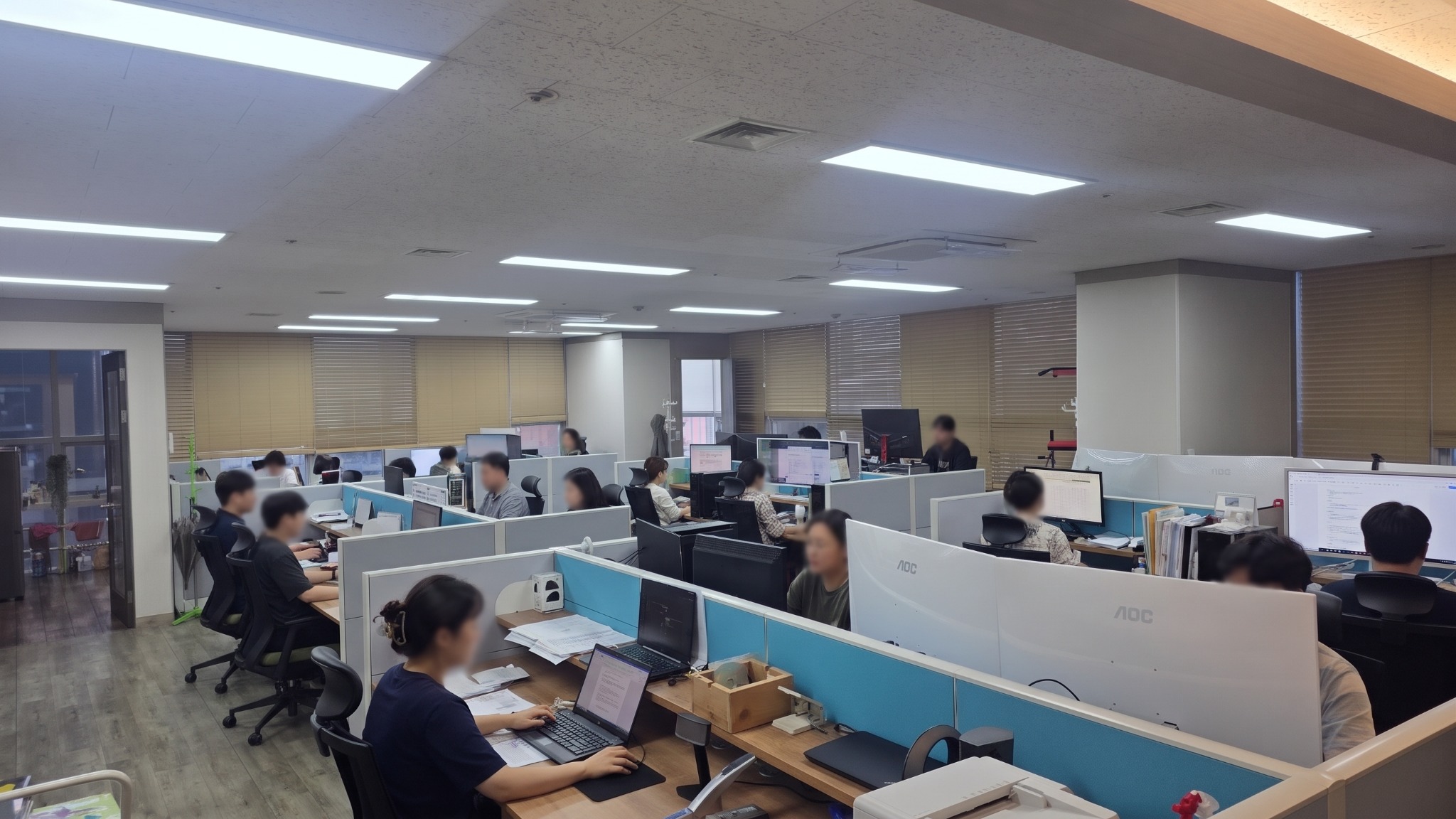
People who create content.
A team that makes it work.
Understanding educational content,
engineering the systems behind it,
and carrying production through to delivery.
Understand the learning context.
Connect every stage of production.
We review the project’s purpose and the assets you already have.
Then we map the relationship between data, content, and services
to define a practical production scope.
Suites 804–805
BEFORE WE START
Before we begin,
a few useful answers.
PROJECT QUESTIONSCan we start with an existing PDF textbook?
We review sample pages to understand the text, images, layout, and question structure. Together, we define what to digitize and what editing tools or learning activities you need next.
Can you handle content production and system development together?
We can discuss everything from educational content planning and creation to data structures, learning activities, and service development. We review your existing content and systems to define the scope your project needs.
How do you preserve the original artwork and story?
We prepare the artwork’s layers and colors first, and follow a principle of adding no scenes outside the original work. Production rules, shot-level pre-checks, and client reviews help maintain consistency.
Can we see work in progress and requested changes?
Our review platform shares shot frames, comments, image annotations, and versions. We agree on what to check at each stage and the criteria for moving to the next.
What should we prepare for an initial discussion?
Share sample materials or artwork, your target learners, desired deliverables, and an approximate schedule. Let us know about any integration with existing systems or requirements for hosting within your organization.
See the marked area and requested change in the same view.